> For the complete documentation index, see [llms.txt](https://alpha-gardeners.gitbook.io/alpha-gardeners-scanner-and-free-sniper/llms.txt). Markdown versions of documentation pages are available by appending `.md` to page URLs; this page is available as [Markdown](https://alpha-gardeners.gitbook.io/alpha-gardeners-scanner-and-free-sniper/info/tips-and-commands.md).
# Tips & Commands
Small Details Can Change the Game
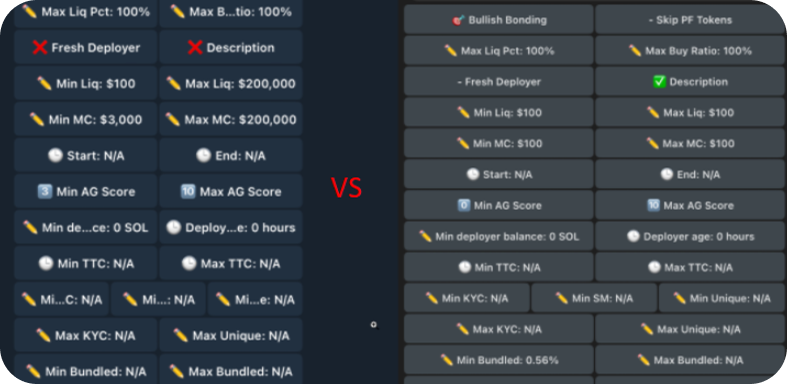
**If You Have Small Windows in the Sniper Bot**
* Click the ☰ menu (three lines) in the top-left corner
* Go to Settings.
* Click Chat Settings.
* Use the “Message text size” slider — it goes up to 30 (depending on your OS)
Much better!
**Using the “Sell All Tokens” Button**
* When using the "Sell All Tokens" button, please be patient.
* The more tokens you hold, the longer the process may take.
* **Click the button once and wait** for the process to finish do not spam it.
**Tips**
* **You can generate new wallets and snipe with more wallets.**
* **Exporting the private key works only once, so make sure to save it!**
* **AG SOL NFT holders get far more benefits than non-holders**
* **We don’t support Meteora pairs yet**
* **If fill drift is too low (backtester entry vs real entry), use Entry Grace on the preset preview to see more realistic results. It’s really hard for us to track it differently because there are plenty of tokens that instantly jump in the first 1s candle straight to 10–50k MC or even higher.**
**Commands**
* If you want to use AG Holder features, use **`/verify`** (you need to own an AG SOL NFT)
* You can check your positions with **`/positions`**
* Use **/top** command for Top Button Smashers (only for Smash The Button scanner)
* Use **/stats** to check 📊 Preset Activity in Last 24h (**If you encounter a case where the sniper did not buy a token when it should have, please report it via a ticket on Discord)**
* **Use `/sync` to get the latest updates** *(subscription required: 0.05 SOL/month)*
* Use the **/start** command for a quick bot reset and to display all the information you need
**Reporting Issues**
* If you encounter any bugs or issues, please open a ticket on Discord.
**Links**
* [**FREE SNIPER**](https://t.me/agSniperBot)
* [**MARKETPLACE**](https://t.me/agPaperTradingBot?start=backtester)
* [**AG SOL NFT**](https://magiceden.io/marketplace/alpha_gardener)