> For the complete documentation index, see [llms.txt](https://alpha-gardeners.gitbook.io/alpha-gardeners-scanner-and-free-sniper/llms.txt). Markdown versions of documentation pages are available by appending `.md` to page URLs; this page is available as [Markdown](https://alpha-gardeners.gitbook.io/alpha-gardeners-scanner-and-free-sniper/sniper-features/tx-settings.md).
# TX Settings
✅ Top Features to Know
**What’s the difference between Auto-Buy and Insta Buy?**
* **Auto-Buy** works automatically when someone clicks the “**Smash It**” button or when your **preset gets triggered**. You can adjust the amount yourself.
* **Insta Buy** requires you to manually click on the scan. Once clicked, it will instantly buy using your [preset amount](/alpha-gardeners-scanner-and-free-sniper/sniper-features/insta-buy.md) it's the fastest manual buy possible, executed directly from the scan.
* You can adjust **Sell presets** for faster selling based on your preferred percentages.
* You can also customize Insta Buy presets to quickly buy your favorite amounts (after the token is bought).
* **If a token hasn’t bonded yet, using an MEV tip is unnecessary. It’s better to leave it off to avoid wasting funds.**
* **We also recommend keeping all auto-buy settings at their default values, no need to adjust fees, etc.**
**Orders**
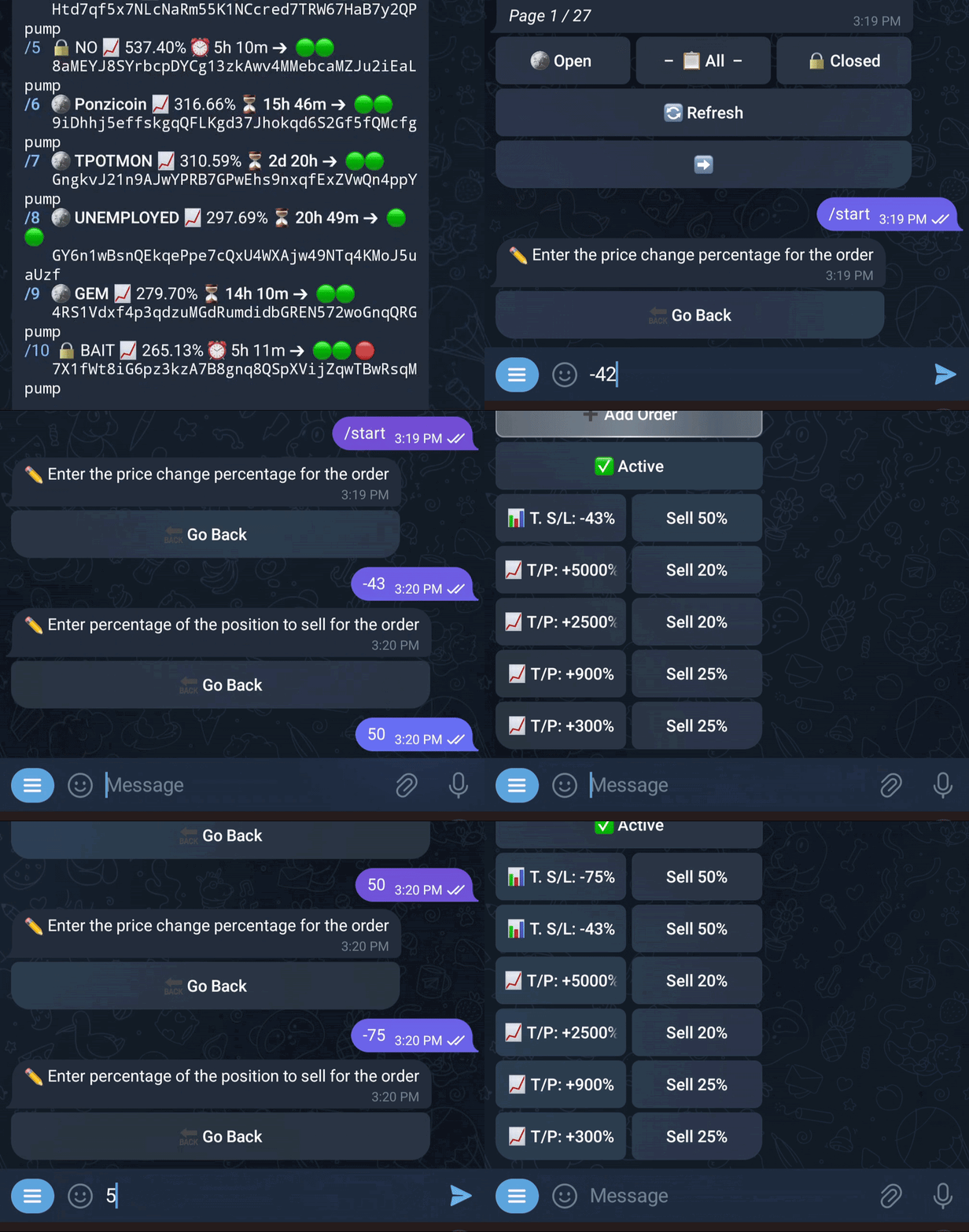
* You can set up **Take Profit (TP)** and **Stop Loss (SL)** on your sniped tokens to make the bot fully automated.
**DCA TP**
* Enter the **TP target** (1000% = 10x)
* Choose the **order type** (DCA)
* Choose the **DCA interval** (5 minutes)
* Enter the **percentage of the position** to be sold when the first TP is hit (50%)
* Enter the **percentage of tokens** to sell per interval after the first TP is hit (20%)
* After the token hits the first TP, the bot will start **selling the remaining position every 5 minutes**, 20% at a time, until the position is fully sold
* :tractor: = **means DCA is active and TP just started hitting**:green\_circle:
**Trailing Stop Loss**
* Works like a regular stop loss until your first Take Profit (T/P) is hit.
* After that, it automatically adjusts to lock in gains as the price moves in your favor.
* Use it to protect profits and reduce risk after your first target is reached.
Set your orders and let the bot work its magic for you
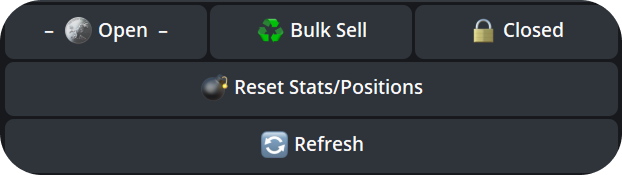
#### :bomb: **Reset Stats/Positions** (`/positions`)
* Instantly clears **all open positions**.
* Delete all statistics related to all wallets.
* If you accidentally click this and approve it, your tokens are still in your wallet. They just won't appear in your /positions. You can still sell them using the Cleanup / Sell All Tokens' button
* Perfect for starting fresh when testing new strategies or settings.
* **If you want to delete only certain positions from `/positions`, click on the position you want to delete and then click ‘Delete position’. It will disappear from the positions overview (works only for sold positions with** :lock:)
#### 🔄 Bulk Sell **(Based on PnL)** (`/positions`)
* Automatically sells all positions below a profit/loss threshold you define.
* Example: Enter -5 to close everything with a PnL below -5%.
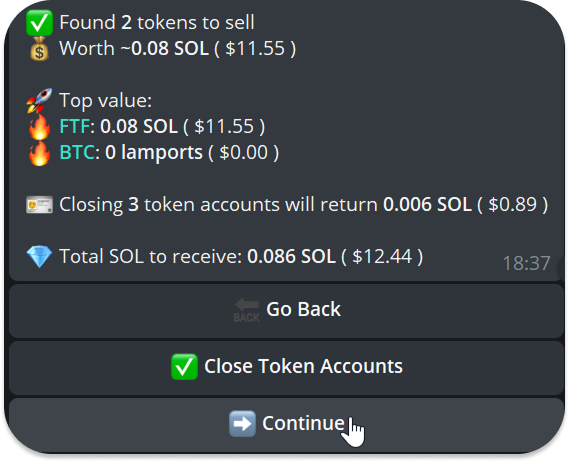
:urn:**Cleanup/Sell All Tokens (wallet)**
* Sell all tokens in your wallet completely
Find me in /start
Continue → Confirm to sell all tokens in your wallet


.png)